Retroactively add Google Maps API KEY to any theme or plugin.
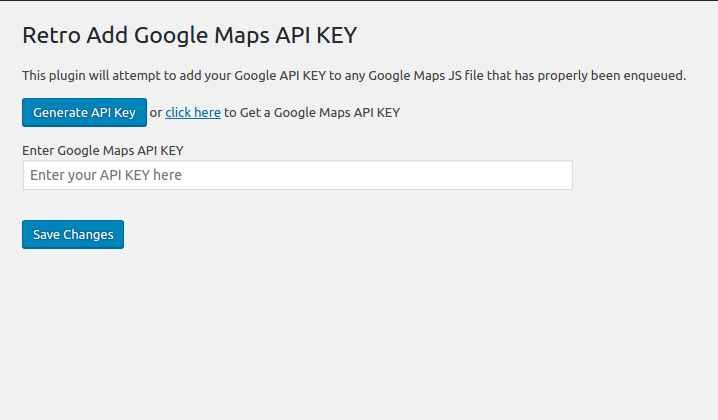
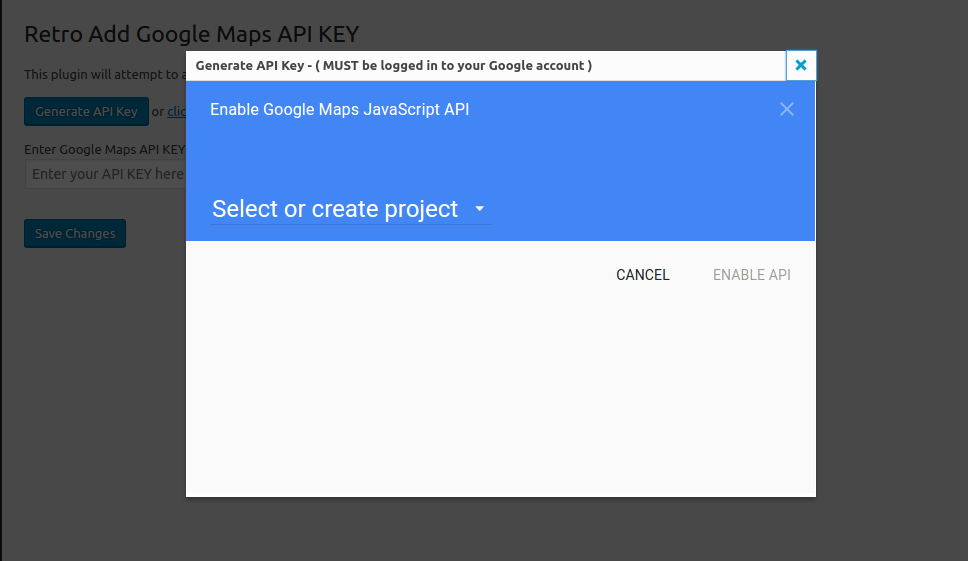
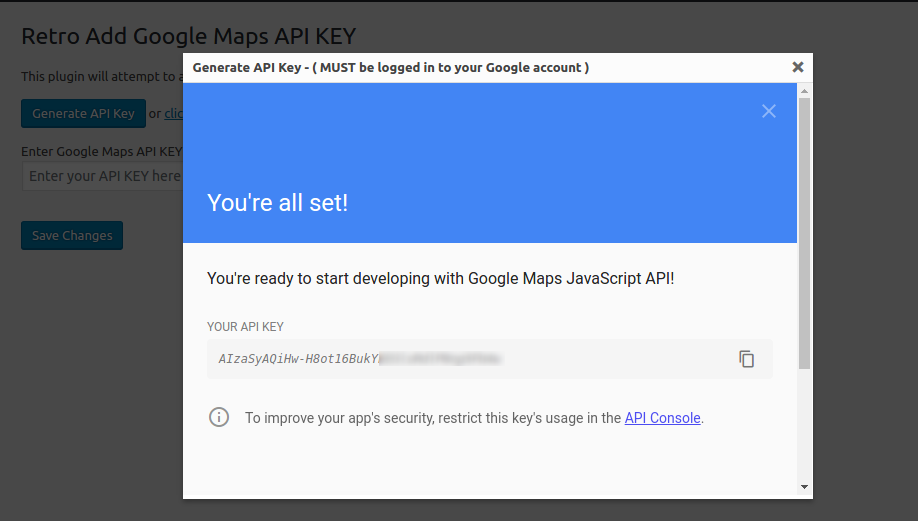
Simply activate, go to Settings>Google API KEY and enter your key.
The plugin will then attempt to add this key to all the places it is needed on the front of your website.
NOTE: this will only work if the Google API has been added as per WordPress standards)
Since January 2023 Google Maps JavaScript API requires callback parameter. This plugin also fixes JavaScript Error: Loading the Google Maps JavaScript API without a callback is not supported.
The plugin was created by the GeoDirectory team: https://wpgeodirectory.com