- Embed a Figma file using a block in the WordPress editor.
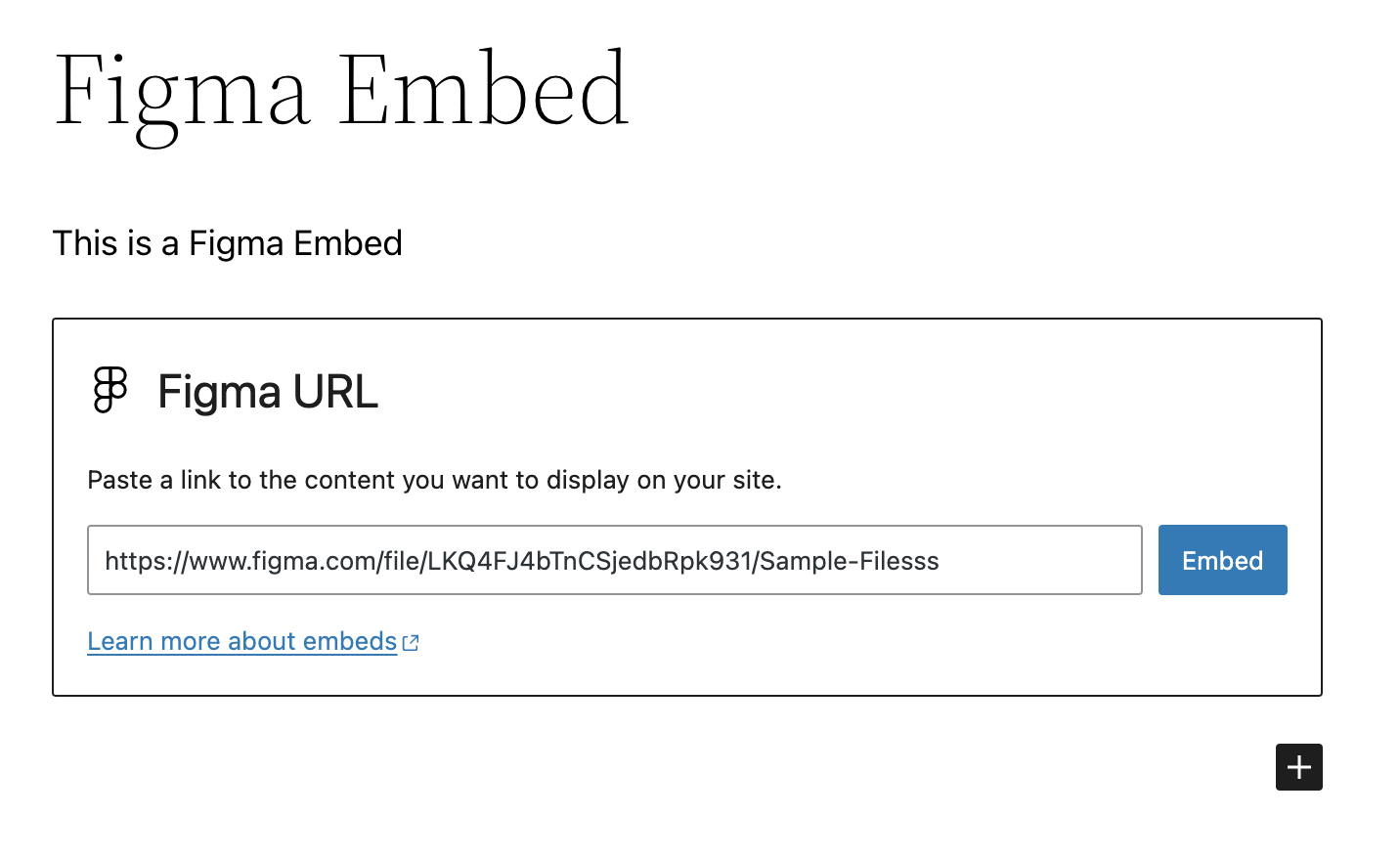
- Paste a Figma URL on a new line in the Block Editor to automatically convert it to a Figma Embed block.
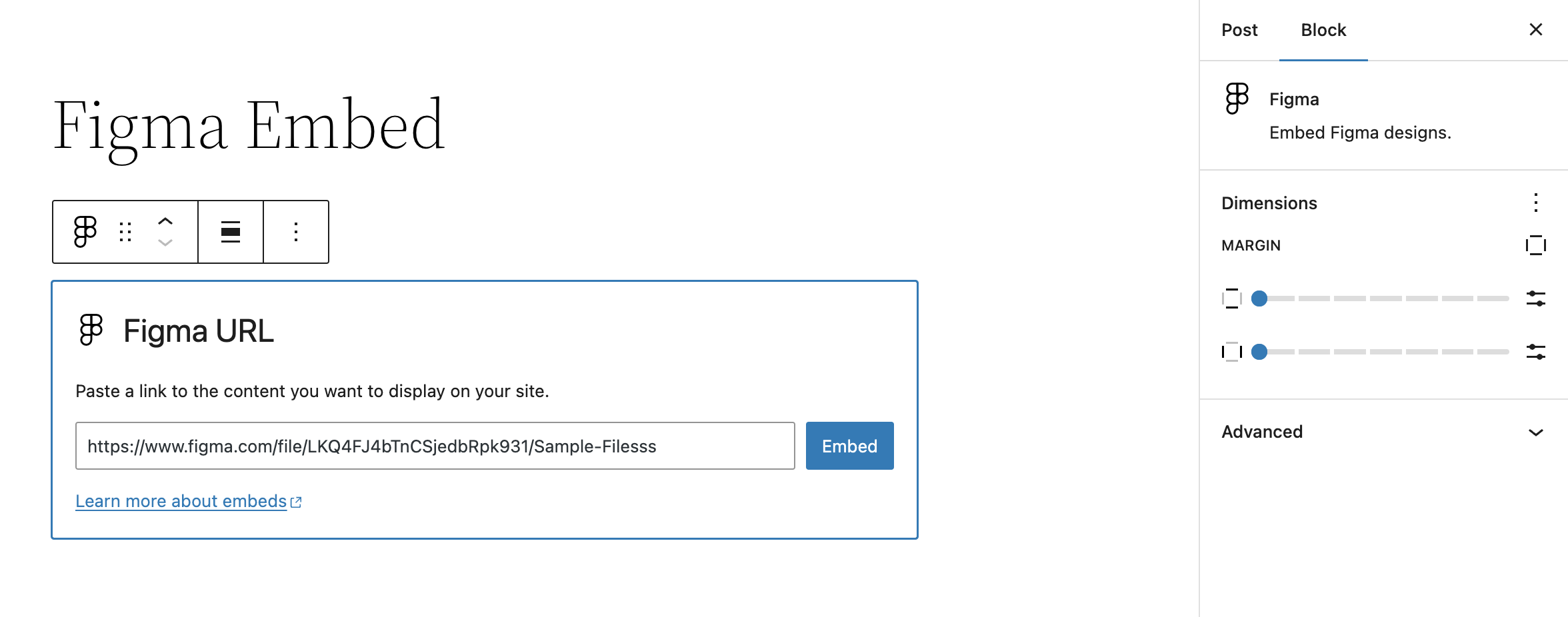
- Block settings allow for altering margins of rendered Figma file embed
Getting Started
Once the plugin is installed and activated, you should see a new Figma Embed block. Insert this block into your content and enter the URL of the Figma file you want to embed.
Assuming it’s a valid URL, the block will automatically fetch the Figma file and display it in the editor. Once saved, this will also display on the front-end.