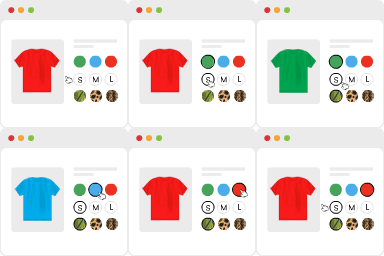
With this plugin, you can hide on the store products from a chosen category and hide a category itself, in list or on single page.
It is compatible with Storefront (theme) shortcodes.
How to use
- Go to Woocommerce -> Settings -> Products.
- Go to the subsection “Hide from categories”.
- There is twice the list of the product categories currently on your store. First list allows you to hide the categories on the store. Second list allows you to hide products from those categories on the store.