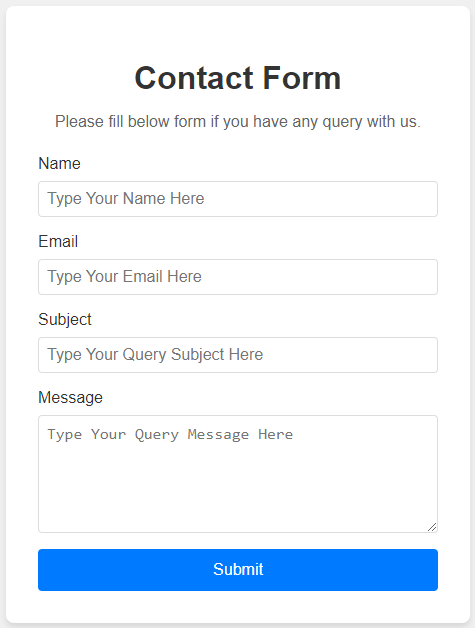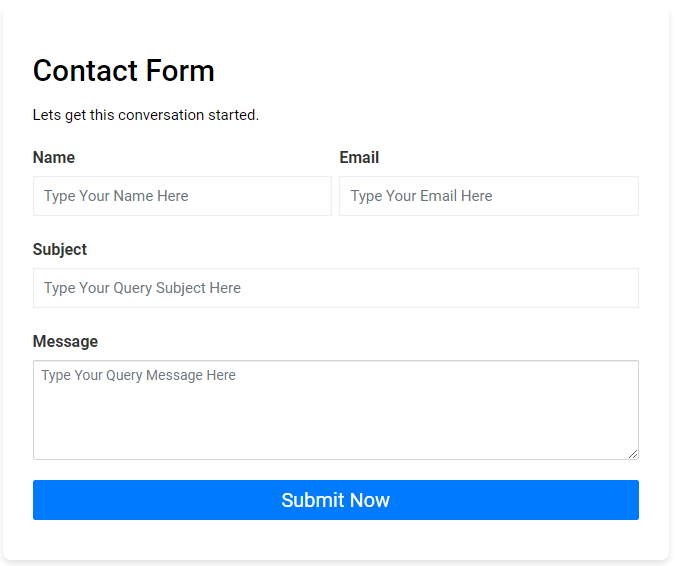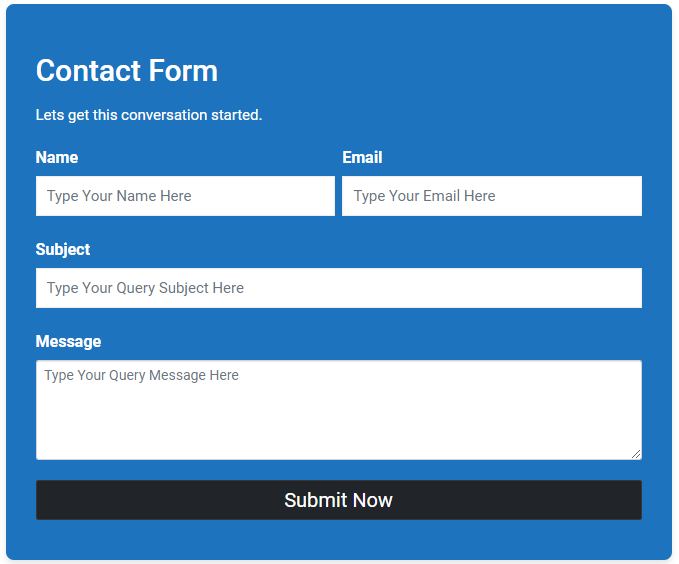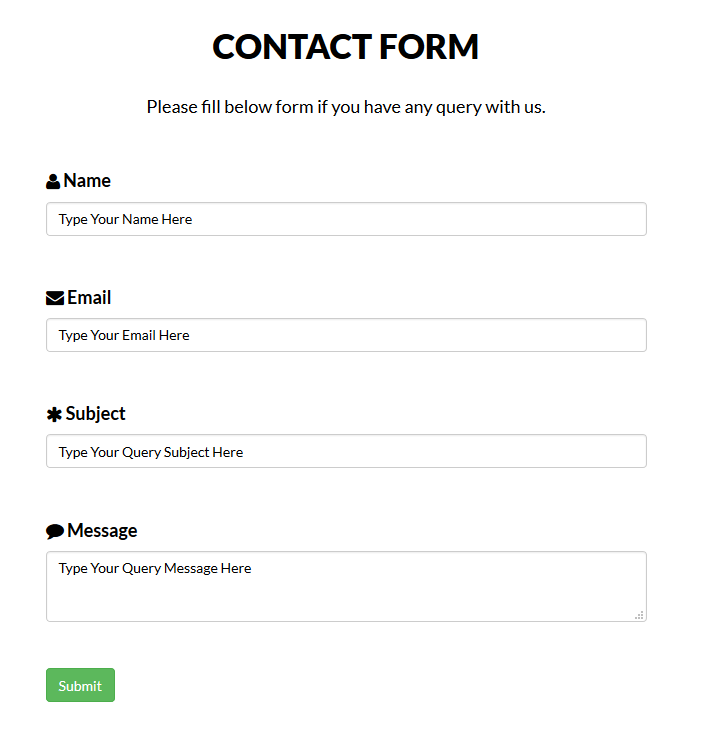
Contact Form Widget helps you add professional contact forms to your WordPress site without writing any code. It works as both a widget for sidebars and a shortcode for pages or posts.
View Pro Demo: Contact Form Premium Demo
More About Pro: Contact Form Premium Details
Where To Buy: Buy Premium Version
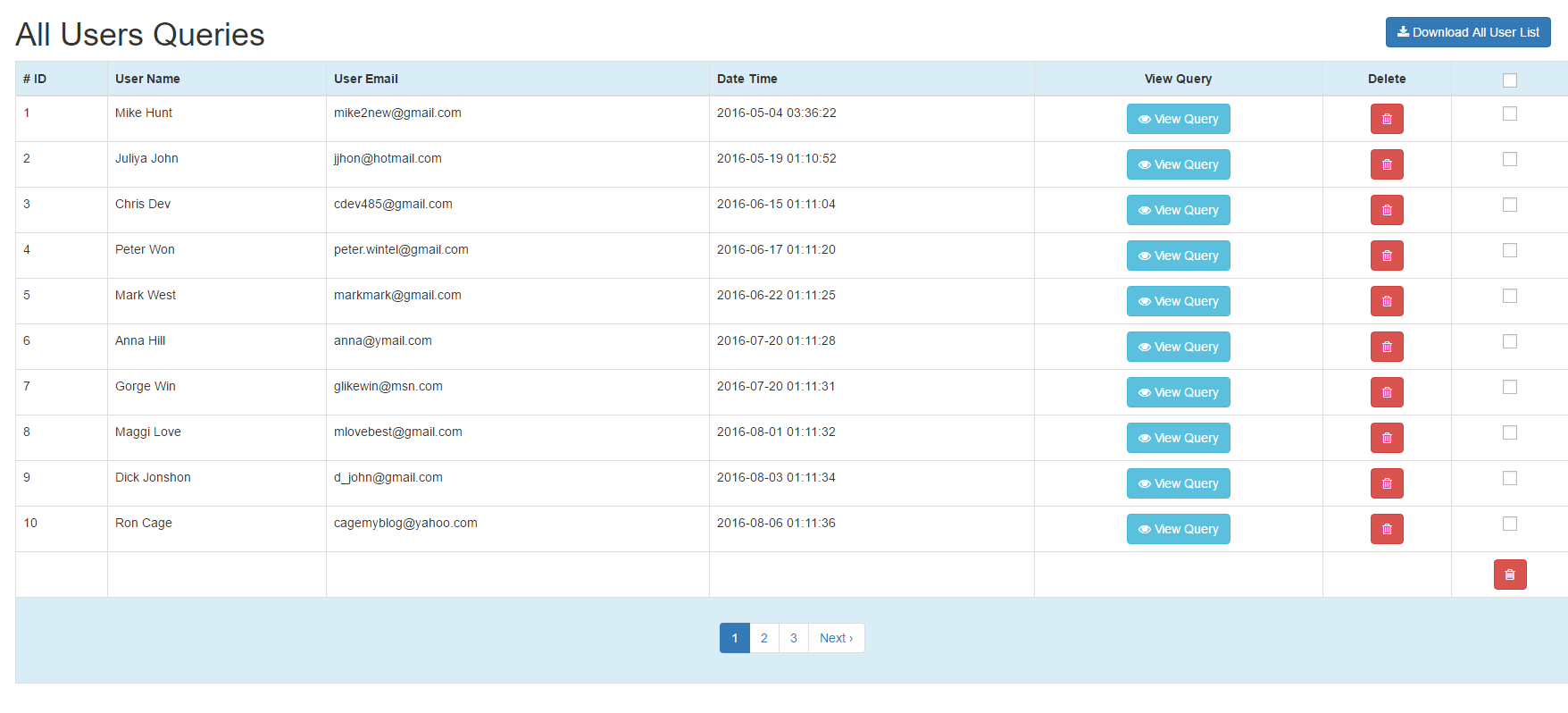
What makes this different from other form solutions? Every form submission gets saved in your WordPress database. You can view, manage, and follow up on all queries from a dedicated Query Table in your admin dashboard. No more lost emails or missed inquiries.
How It Works
- Add the widget to any sidebar or use the shortcode
[contact-form-widget]on any page - Customize labels, colors, and styles from the settings panel
- Visitors submit their queries through the form
- You receive email notifications and can view all submissions in the Query Table
Who Is This For?
This contact form solution works well for:
- Business websites needing a simple inquiry form
- Freelancers and agencies collecting project requests
- Bloggers wanting to hear from readers
- Service providers handling customer support queries
- Portfolio sites with client contact needs
Free Features
- Responsive Design – Forms adapt to all screen sizes automatically
- Query Table Dashboard – View and manage all form submissions in one place
- Shortcode Support – Add forms anywhere with
[contact-form-widget] - Widget Ready – Place contact forms in sidebars and widget areas
- Label Customization – Change form field labels to match your needs
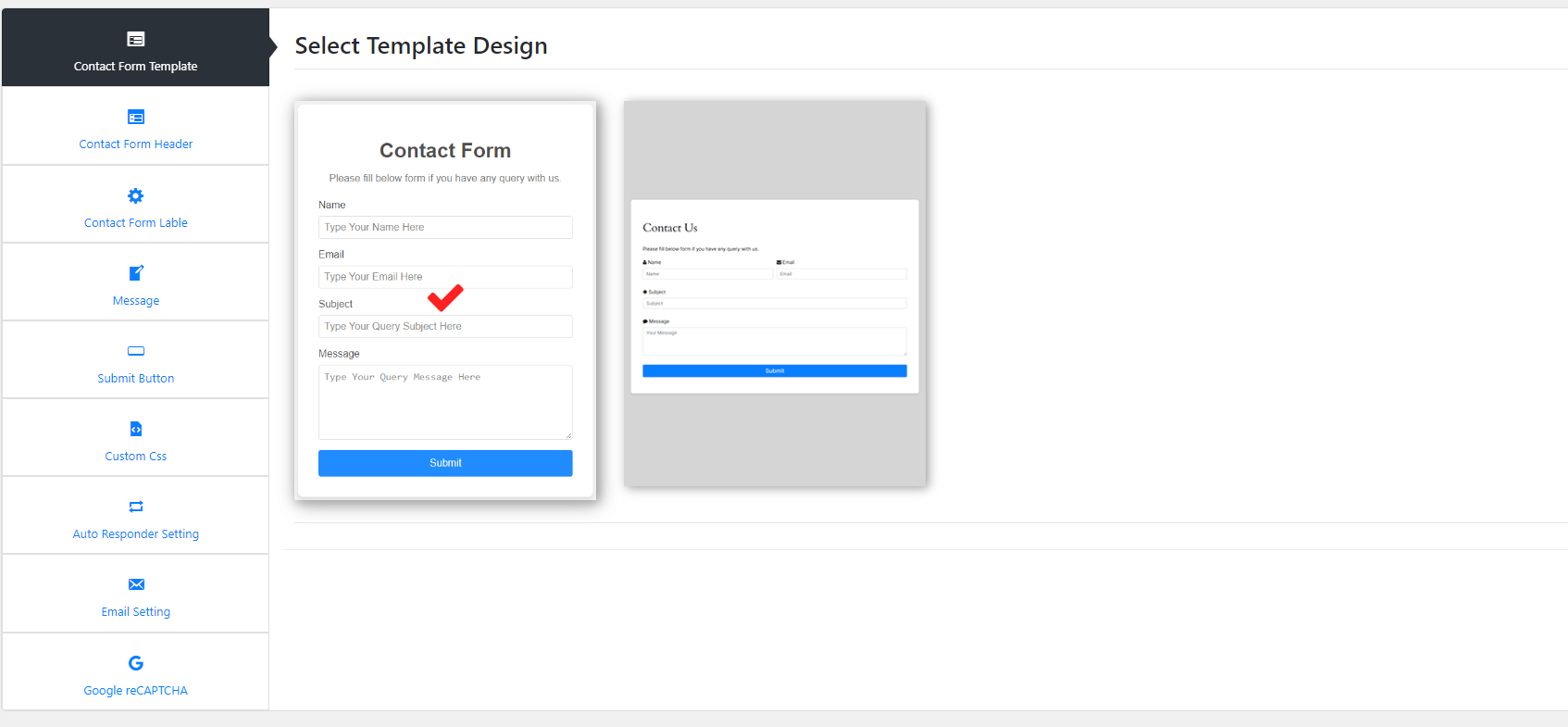
- Template Designs – Choose from pre-built form styles
- PHP Email – Receive notifications via standard PHP mail
- Secure Submissions – Built-in security for safe form handling
Pro Features
Upgrade to Contact Form Premium for additional capabilities:
- Google reCaptcha – Block spam with reCaptcha verification
- SMTP Email Support – Send emails through Gmail or custom SMTP servers
- Auto Email Responding – Send automatic replies to form submitters
- Custom Email Messages – Design personalized email templates
- Error Customization – Set custom validation error messages
- Custom CSS – Add your own styling with custom CSS field
- Multiple Color Schemes – Choose from various color options
- Logo Customization – Add and resize your logo on forms
- Statistical Dashboard – View submission statistics and trends
- Download Reports – Export query data as downloadable reports
- Daily Statistics – Track daily submission reports
- Premium Support – Get priority help from our team
SMTP Configuration
The premium version supports SMTP email delivery. Here is a quick video guide: