Portfolio Block makes it easy to create a clean, modern portfolio directly inside the WordPress block editor. It includes multiple layouts, category filters, responsive controls, and full design flexibility. Ideal for freelancers, designers, photographers, agencies, or anyone who wants to showcase projects in a professional way.
You can build a portfolio using the Gutenberg block or generate a shortcode and display it anywhere on your site, including pages, posts, widgets, footers, or page builders.
Portfolio Block | Documentation | Pricing | Support | Demo
Key Features – Free Version
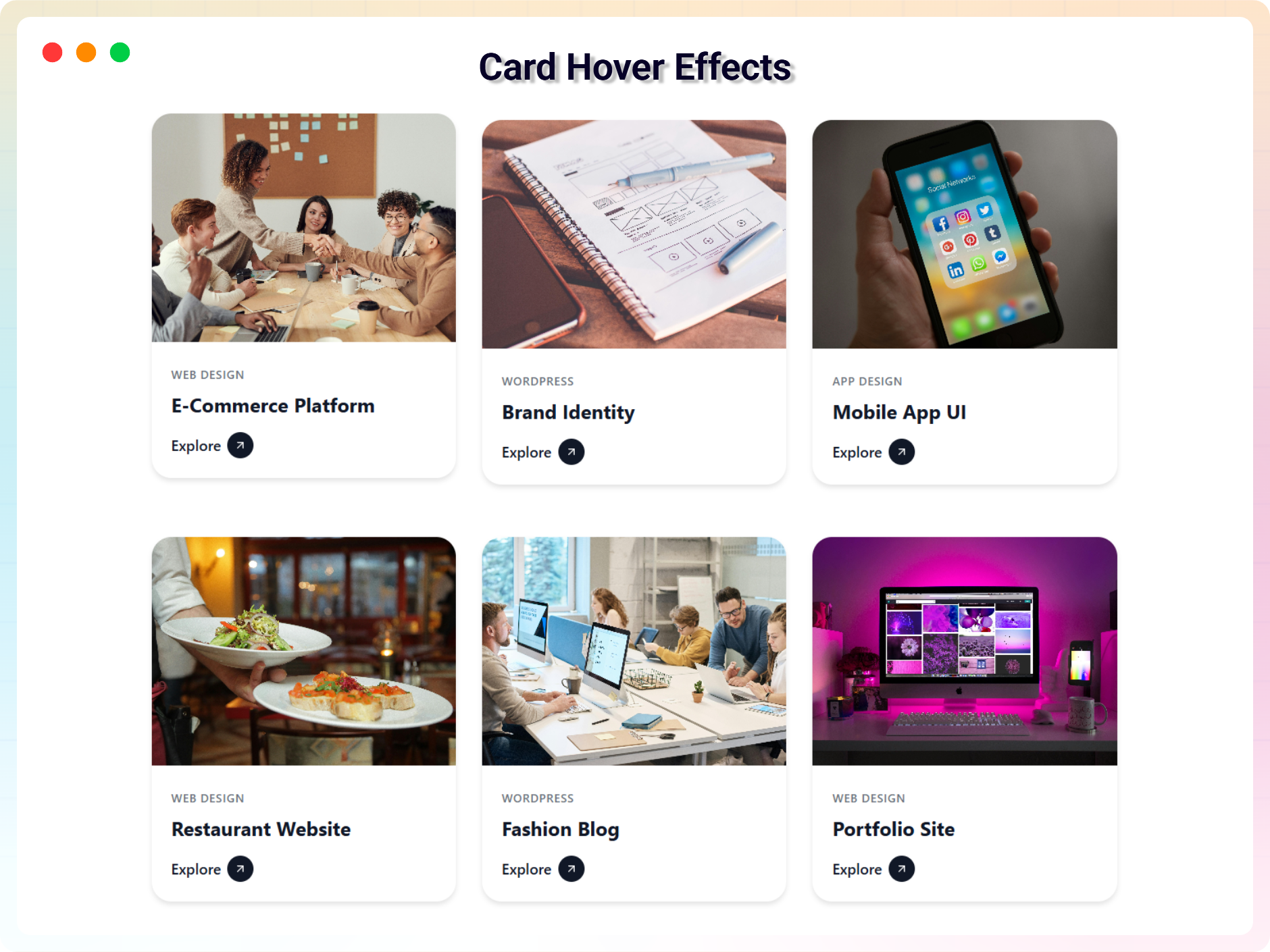
- Multiple Layouts – Grid, Masonry, and Card Hover layouts for flexible portfolio design.
- Unlimited Categories – Organize projects with as many categories as you need and allow users to filter by category.
- Portfolio Items – Add images, titles, descriptions, and external or internal links. Assign multiple categories per item.
- Item Management – Duplicate, delete, or reorder items with simple controls.
- Responsive Controls – Adjust columns, spacing, and layout settings for desktop, tablet, and mobile.
- Styling Options – Customize colors, borders, shadows, spacing, and overlay settings to match your theme.
- View All Button – Add a customizable button linking to your full portfolio archive or a separate page.
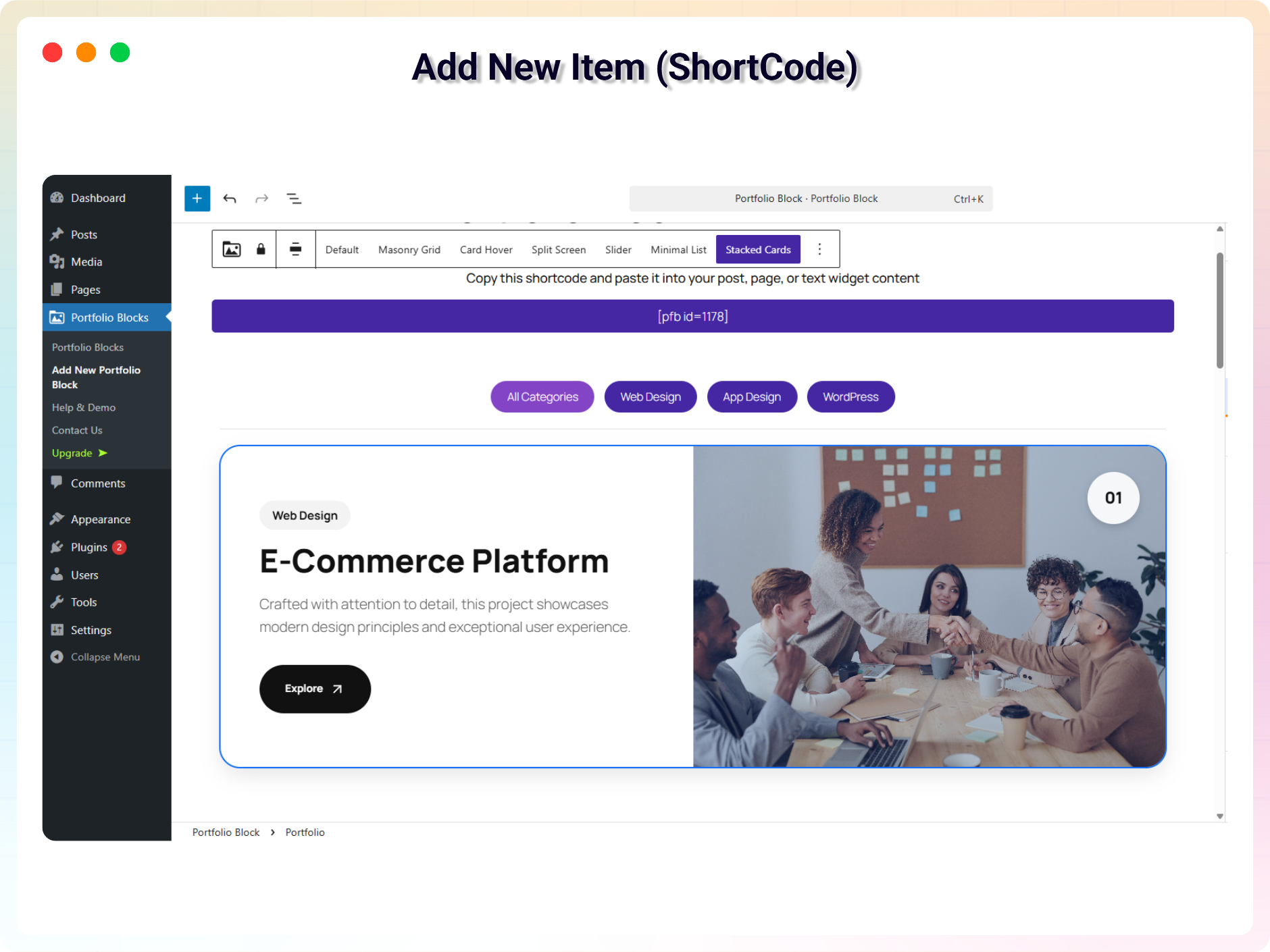
- Shortcode Support – Use your portfolio anywhere with the shortcode format: [pfb id=”123″].
Portfolio Block Pro – Unlock Advanced Features
Pro Features Include
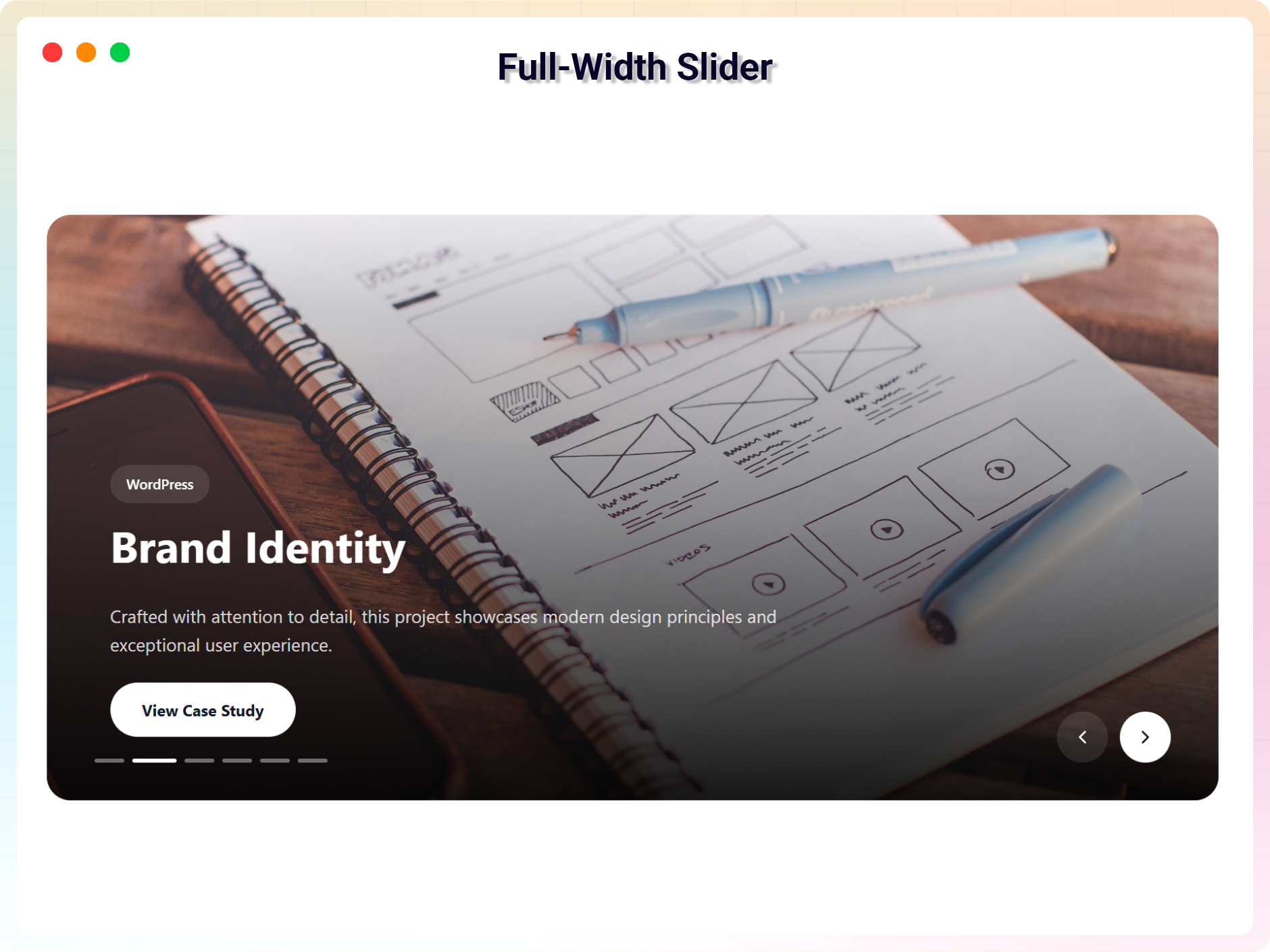
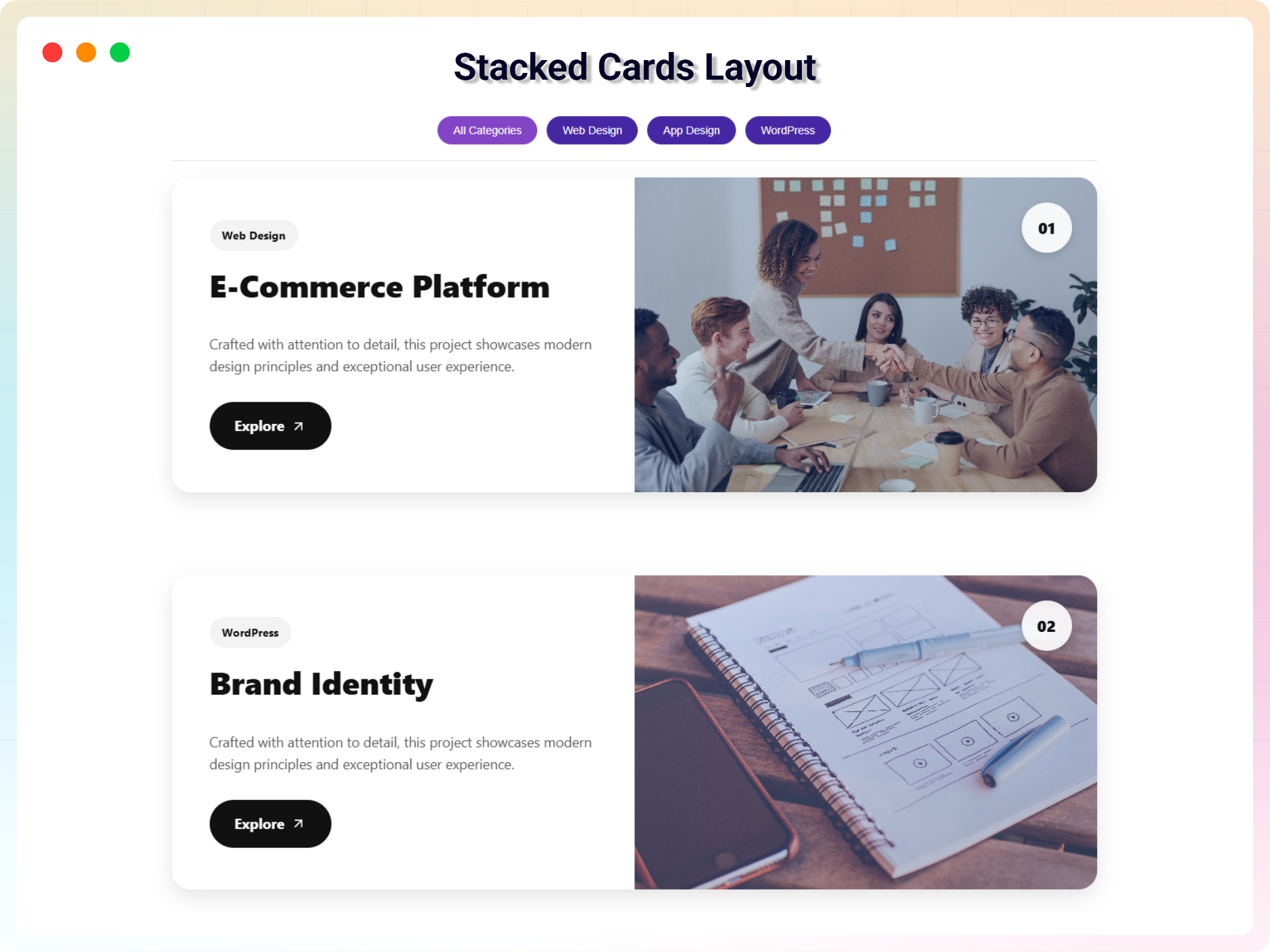
- Advanced Layouts – Split Screen, Slider, Minimal List, and Stacked Cards for more dynamic presentation styles.
- Typography Controls – Adjust fonts, sizes, colors, weight, and alignment for titles, categories, and descriptions.
- Hover and Animation Effects – Premium hover transitions and animations for a more interactive experience.
- Slider Options – Autoplay, loop, pause on hover, navigation controls, and speed settings for slider-based portfolios.
- Advanced Styling – More control over buttons, badges, icons, overlays, and spacing.
-
Specialized Portfolio Blocks – Create niche-specific portfolios using professionally designed blocks:
-
Developer Portfolio – Create a developer portfolio page directly inside Gutenberg to showcase projects and technical work.
-
Fashion Portfolio – Display fashion collections, lookbooks, and brand campaigns.
-
Marketing Portfolio – Present case studies, campaign results, and marketing projects.
-
Photography Portfolio – Highlight photography collections with visual-focused layouts.
-
Resume Builder – Create a professional resume or CV portfolio page directly inside Gutenberg.
-
- Priority Support – Faster support and ongoing updates with the Pro upgrade.
How to Use Portfolio Block – Step-by-Step Guide
Getting started with Portfolio Block is quick and easy!
Step-by-Step Instructions
- Install and activate Portfolio Block.
- Open the Block Editor and click the + icon.
- Search for Portfolio (by bPlugins).
- Add your portfolio items and customize your layout.
- Publish your page.
Shortcode Usage
- Go to Portfolio Block Add New Portfolio in the dashboard.
- Create your portfolio using the block editor.
- Publish it.
- Copy the shortcode that appears after publishing.
- Paste it anywhere on your site where you want the portfolio to appear.
Feedback
Have a suggestion or question?
Email us: support@bplugins.com
Check out our other WordPress Plugins-
Html5 Video Player – Display videos as single and playlist in multiple skins.
PDF Poster – Display/Embed PDF files with different styles.
Html5 Audio Player – Listen audios with awesome visuals.
StreamCast – Customizable radio player with different skins.
3D Viewer – Embed 3D models and 3D products with interaction.
Advanced Post Block – Show posts and custom posts in different layouts.
bBlocks – A blocks collection and page building tool for Gutenberg.