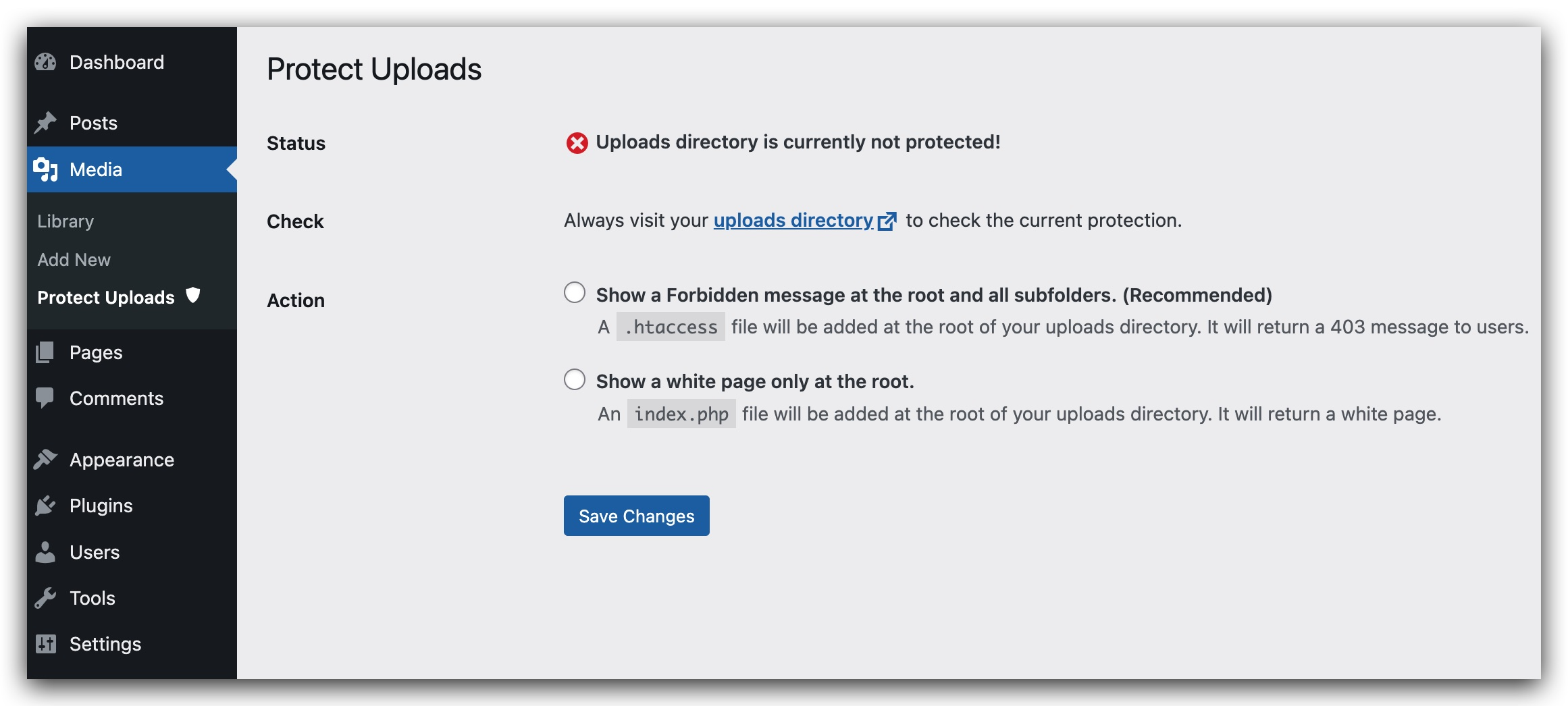
The uploads directory is where the files of the WordPress library are stored. Unfortunelty, this directory is not protected. A person who wants to see all your library could list it instantly going to : http://yourwebsite/wp-content/uploads . This plugin will hide the content by adding an index.php file on the root of your uploads directory or by setting an htaccess which will return a 403 error (Forbidden Access).
- Depending on your server setting, the htaccess option could be disabled.
New Features in Version 0.6.0:
- Image Watermarking: Add text watermarks to your uploaded images with customizable position, opacity, and font size.
- Right-Click Protection: Prevent users from right-clicking to download or save your images.
- Password Protection: Secure individual media files with passwords. Multiple passwords can be set for each file with custom labels.
- Access Logging: Track who accesses your password-protected files with detailed logs including IP address and user agent.
Available languages:
- English
- Français
- Español
- Italian (thanks to Marko97)