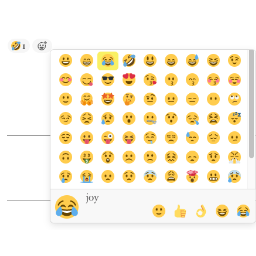
Some Plus Content Reactions allows your visitors to react to your content with emoji reactions like 👍 Like, ❤️ Love, 😂 Haha, 😮 Wow, 😢 Sad, and 😠 Angry.
Features
- Multiple Reaction Types – Six default emoji reactions out of the box
- Customizable Reactions – Add, remove, or modify reaction types
- Post Type Support – Enable reactions for any public post type
- Guest Reactions – Allow or restrict reactions to logged-in users
- Auto Placement – Automatically add reactions before or after content
- Shortcode Support – Use [spcr_reactions] to place reactions anywhere
- Multiple Display Styles – Horizontal bar, inline buttons, or floating sidebar
- Modern Design – Beautiful animations and responsive layout
- Dark Mode Support – Automatically adapts to user’s system preference
- Lightweight – Minimal impact on page load speed
Usage
- Go to Settings Content Reactions
- Select which post types should have reactions
- Customize reaction types if desired
- Save settings
Reactions will automatically appear on your content. Alternatively, use the shortcode:
[spcr_reactions] - Display reactions for current post
[spcr_reactions post_id="123"] - Display reactions for specific post